What Is SaaS?

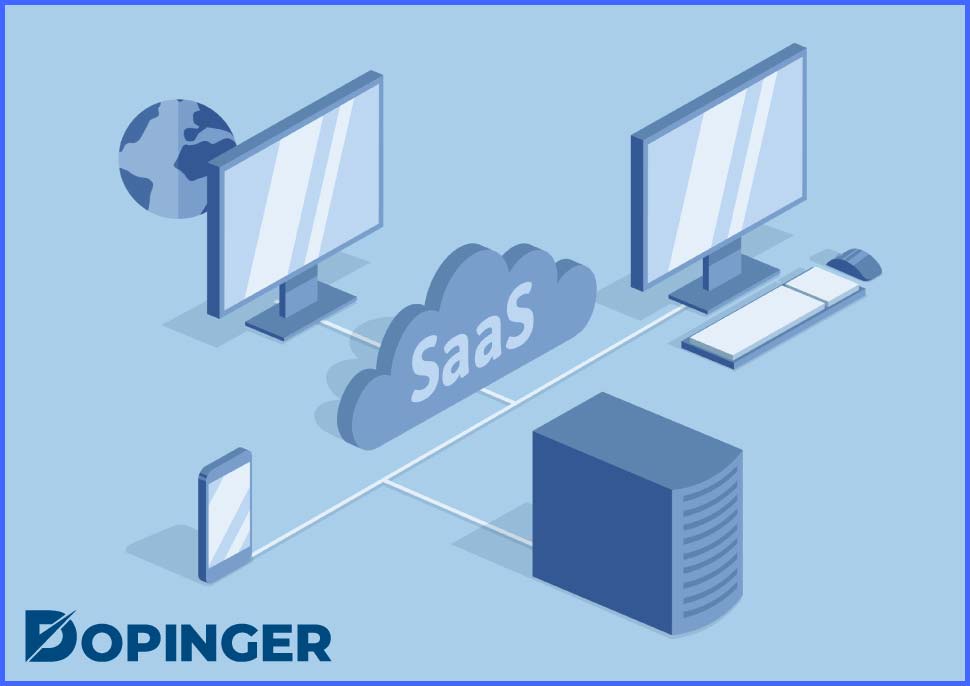
SaaS is an inseparable part of our daily lives, and we do not even realize that. It is listed under the category of cloud computing services. Cloud-based services simply have three different types. They are “IaaS” (Infrastructure as a Service), “PaaS” (Platform as a Service), and “SaaS,” which stands for “Software as a Service.” Its main purpose is to help users connect to cloud-based applications available on the internet and use them. Most of the productivity apps we use every day, such as email and Google Docs, fall under the umbrella of SaaS. Even Netflix is a SaaS company.
It is managed by a vendor, which means a third party that takes care of Application, Data, Runtime, Middleware, O/S, Virtualisation, Servers, Storage, Networking. Additionally, there are applications that include business applications. To give a clear example, they can contain applications for email, customer relationship management (CRM), human resource management (HRM), Enterprise resource planning (ERP) and billing, etc.
Advantages of Using SaaS
- Cost reduction: Customers who have decided to choose SaaS usually sign annual contracts with the vendors and then pay monthly. The advantage is that SaaS has lower initial costs. So, customers can cut down on their expenses.
- Multitenant architecture: Multi-tenancy indicates every instance of software application offer service for more than more customer rather than a single one. In this way, in a multitenant architecture, all users and all applications use a single database. This improves quickness and helps reduce expenses.
- Lightens your workload: Your provider handles the maintaining of the service instead of your IT team. Your provider keeps the applications updated, takes care of any software problems, and scales up the application. It takes the load off your IT Team’s shoulders and allows them to focus on more important by creating more time.
Disadvantages of Using SaaS
- Access control: When you involve a third party, access control becomes relatively weaker. Because the assets of your business are not kept in-house, but rather you share them with a third party. Moreover, every user has to use the newest version of the application and experience new and potentially flawed features once it is available. Generally, even your IT Team has no say in this type of change.
- Security concerns: Identity and access management (IAM) is a serious concern for enterprises, especially since their size is relatively large. Using these applications, your IT department is no longer in charge of protecting the applications and the data they contain. The responsible people are now the provider of yours, which indicates that you will have to trust external sources. Lack of complete control over who can gain access to sensitive data and valuable assets can be one of the major security risks.
- Vendor lock-in: When you lock into a vendor, there is a possibility that you might grow too dependent on it because you already accepted some protocols and standards during the time in which you locked into the vendor. It can be challenging to moving your data to your new vendor if you decide to change your current one. So, the company and its IT department should be careful and take necessary precautions against vendor lock-in situations.
FAQ on SaaS
Even though it is not valid for every situation or every feature, a great majority of SaaS systems are customizable in terms of the look, the interface, etc.
Although some SaaS providers added offline capabilities back in the days, it is generally not preferred anymore. Because using SaaS offline is less efficient considering everything is handled online swiftly.
They include MS Office 365 by Microsoft, Dropbox, Gmail by Google, Google Drive by Google, Adobe, Oracle, Salesforce, etc.
“SaaS” is the abbreviation of “Software as a Service.”
There are various SaaS pricing models, but the most widely used ones are “Pay as You Go,” Per User Pricing, Tiered User Pricing, Flat Rate Pricing, and Per Feature Pricing.
Overall Assessment of SaaS
In this article, we have covered the term “Software as a Service (SaaS),” what it means, as well as the advantages and disadvantages of it. It has disadvantages such as the lack of control, rising security concerns, and possible vendor lock-in cases. On the other hand, it has advantages such as being affordable and effective in cutting expenses, being easily accessible just even by using the internet connection, reducing the Information Technology department’s workload, and having a multitenant architecture, which means everyone shares the same database.
It is an undeniable fact that SaaS technology is an inseparable part of our daily lives, just as other technological developments. Since a vast majority of internet users use it almost every day, trying to understand SaaS as well as using it will be beneficial, especially for businesses. To know more about cloud computing, check out Cloudflare.
The post What Is SaaS? is republished from Dopinger Blog


Yorumlar
Yorum Gönder